
How to Complete KYC on Fluidkey
Fluidkey Banking Feature Overview
Fluidkey partners with Noah to provide users with banking account features. This allows users to receive USD or EUR transfers directly in the app and convert funds into on-chain assets for use.
To use bank deposits, withdrawals, or the upgraded new bank account features, you must first complete KYC (Know Your Customer) identity verification to meet financial compliance requirements.
For more details about the countries and regions supported by Noah, please refer to the official documentation: noah.com/en/uk/restricted-geos
Fluidkey's current verification process is completed through third-party services. During the process, you may see verification screens from Sumsub or Noah. Please follow the system instructions to complete personal information, document upload, facial verification, and any required follow-up submissions.
Step 1: Enter the Banking Feature and Start Verification
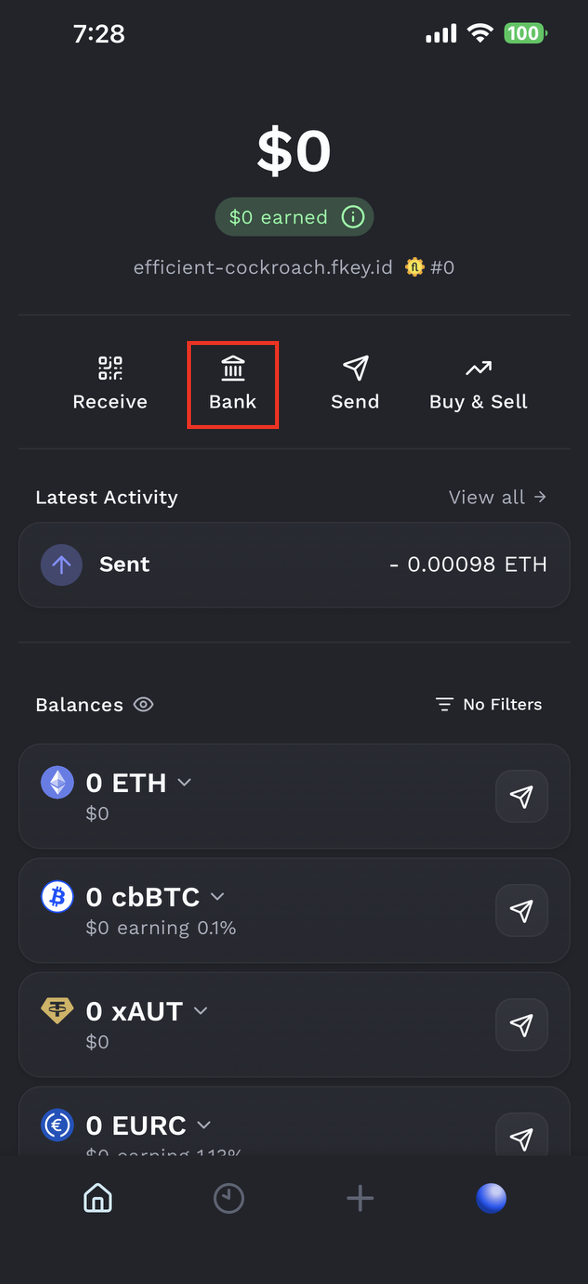
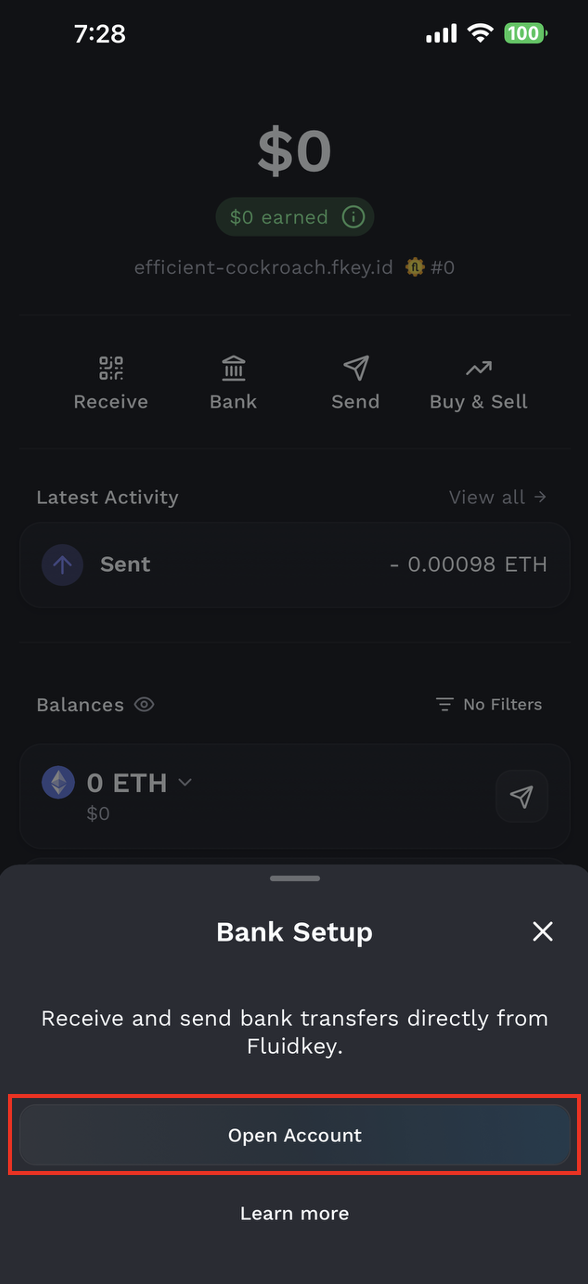
Open the Fluidkey App homepage and tap Bank.
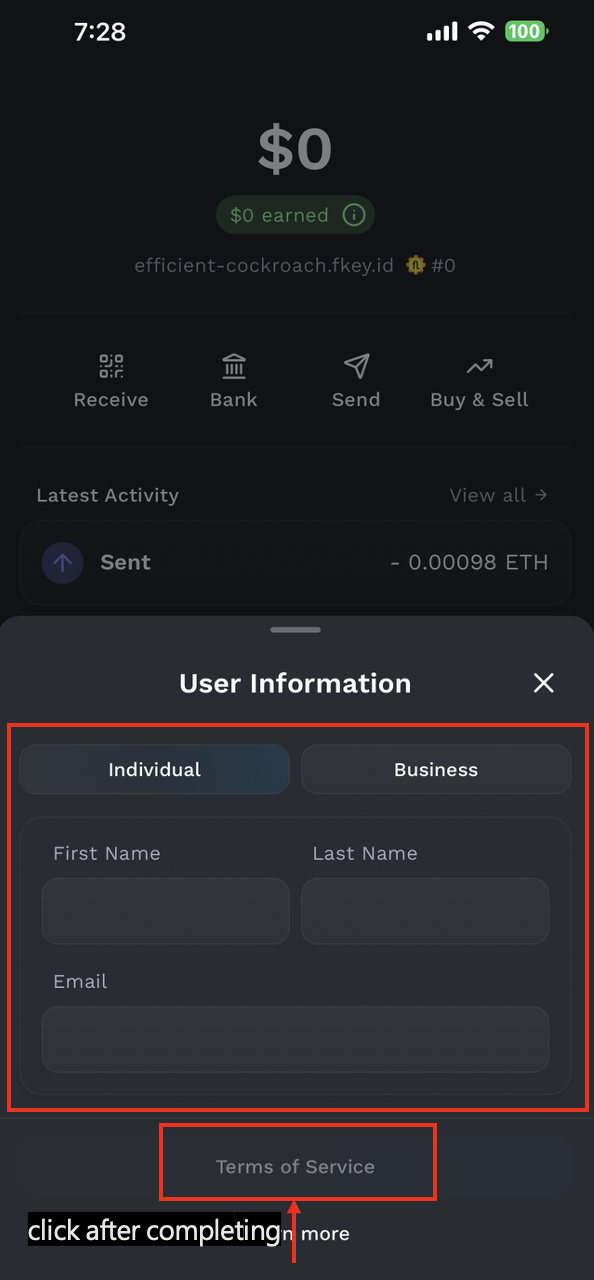
Next, fill in your basic information and tap Create Account to continue.
Step 2: Sumsub Verification
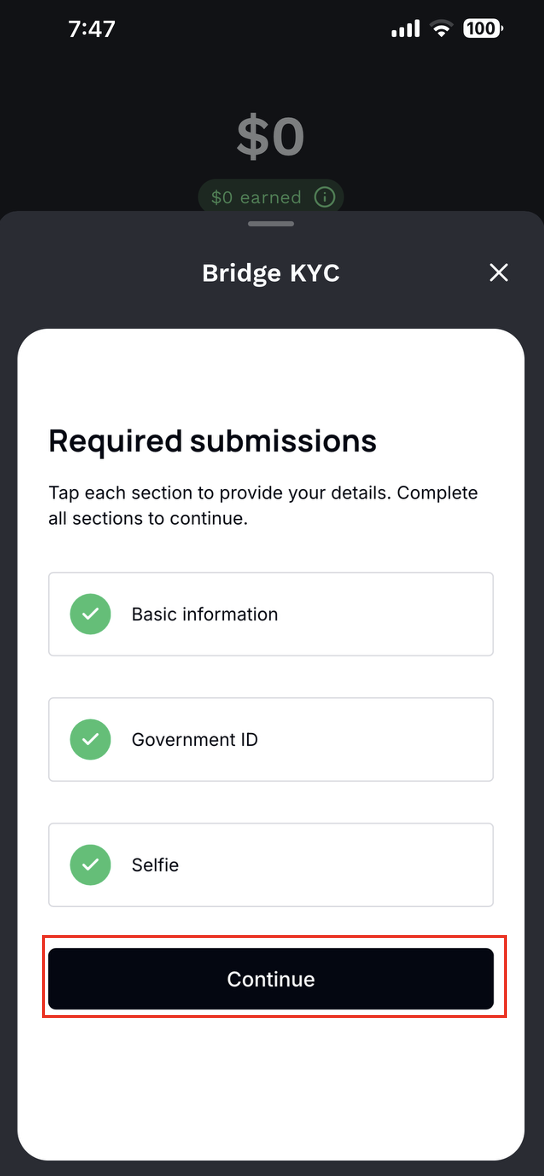
After entering the Sumsub verification page, the system will show the items you need to complete, including:
- Profile details: Basic personal information
- Questionnaire: KYC questionnaire
- Identity document: Identity document
- Proof of address: Proof of address
- Selfie: Facial verification
- Email verification: Email verification
Tap Continue to begin.
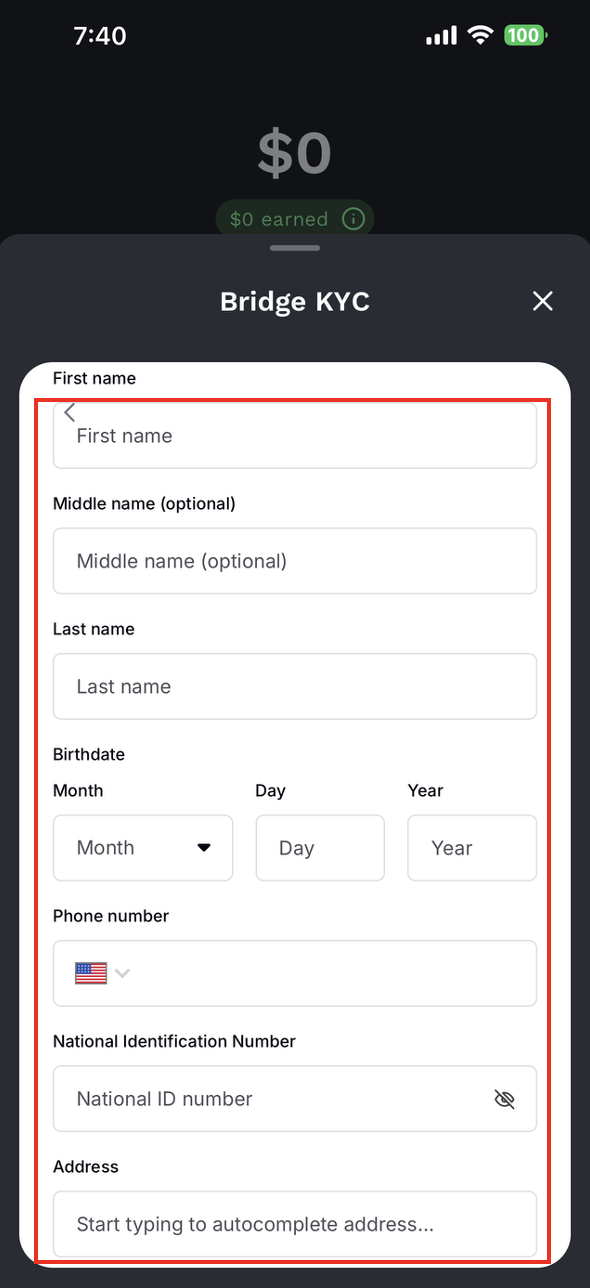
1. Fill in Personal Information
Fill in your personal information according to the fields shown on the screen. After completing the form, tap Continue.
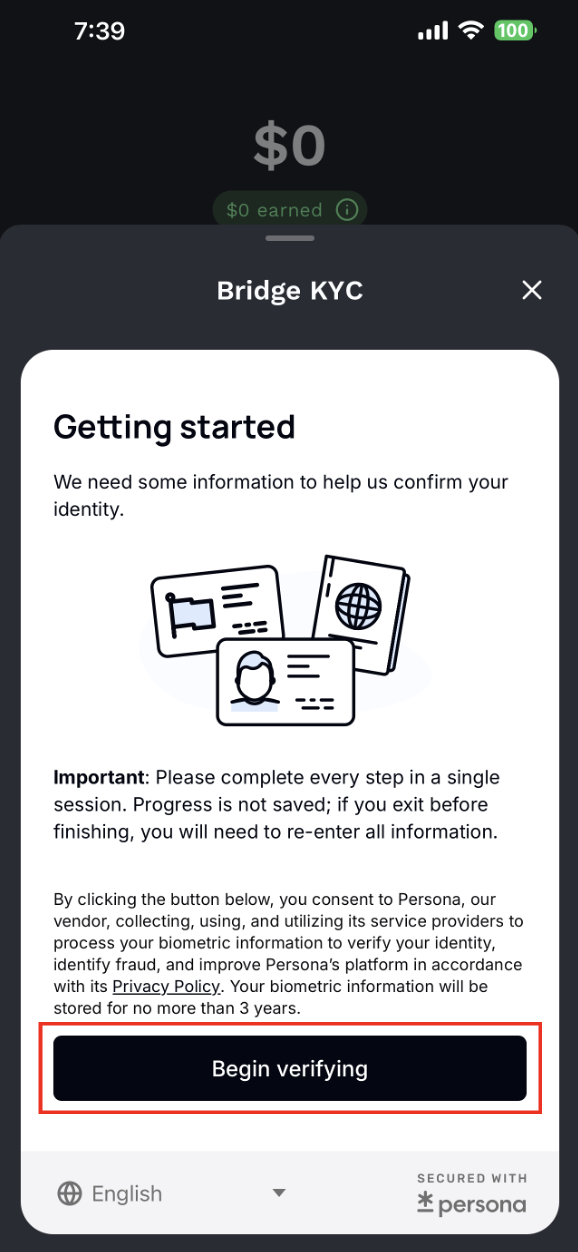
- Your name and address must be filled in English and must match the documents you upload.
- Please select the correct country code for your phone number.
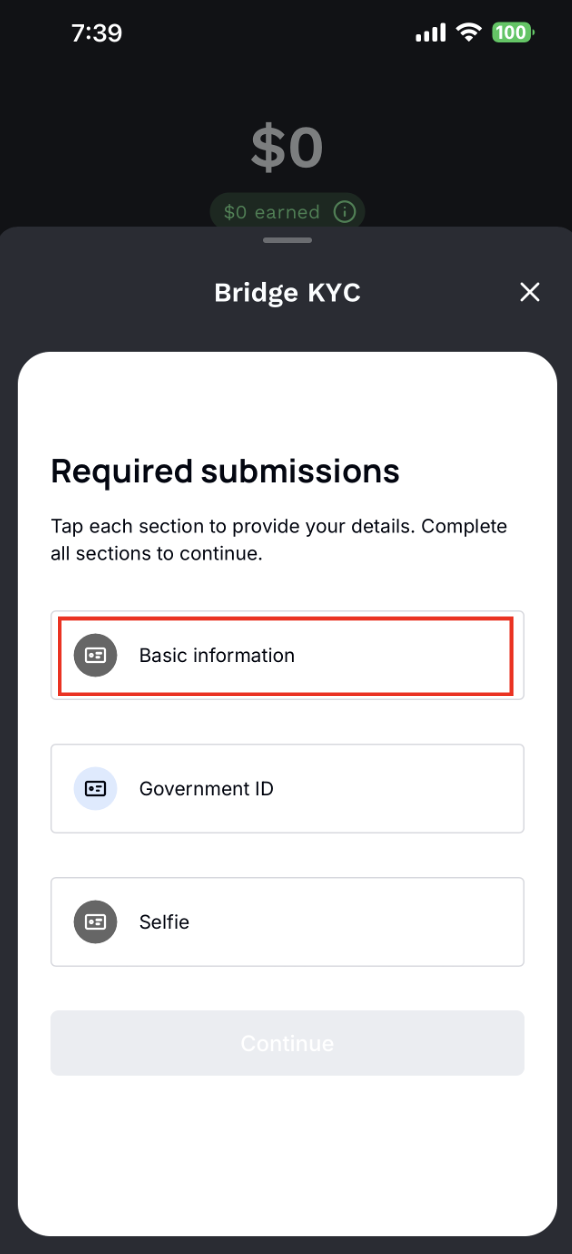
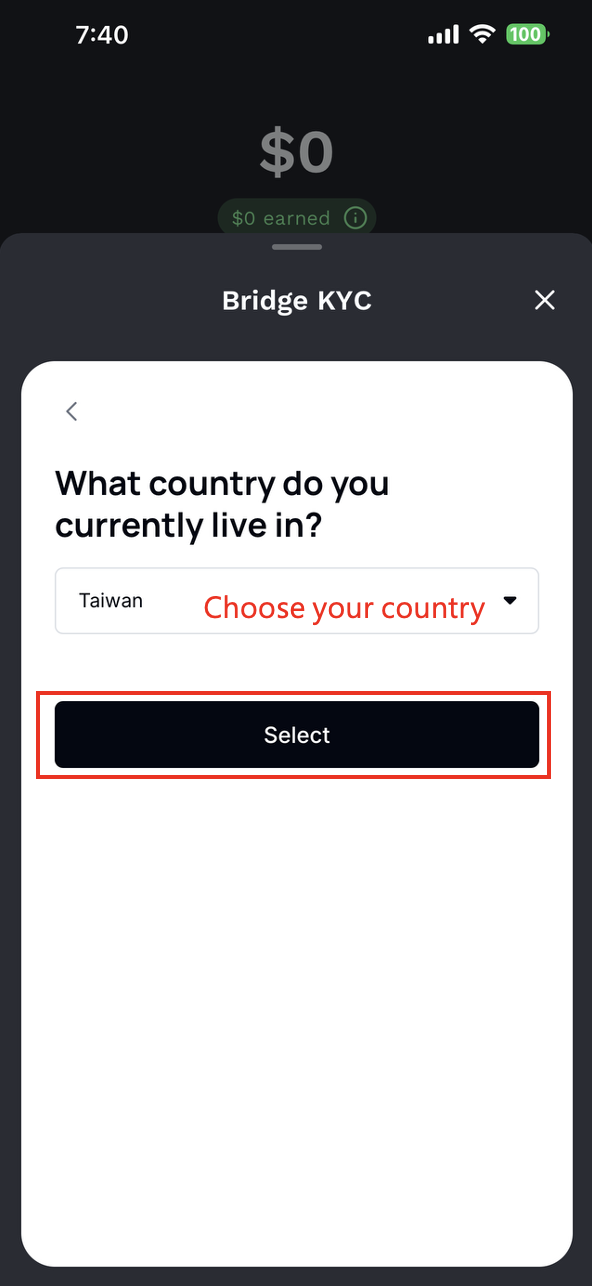
2. Answer Basic Questions
The system will then ask you to answer basic customer questions. After completing them, tap Continue.
3. Identity Document Verification
Next, select the country that issued your document and the document type. Supported document types include:
- Driver license
- ID card
- Passport
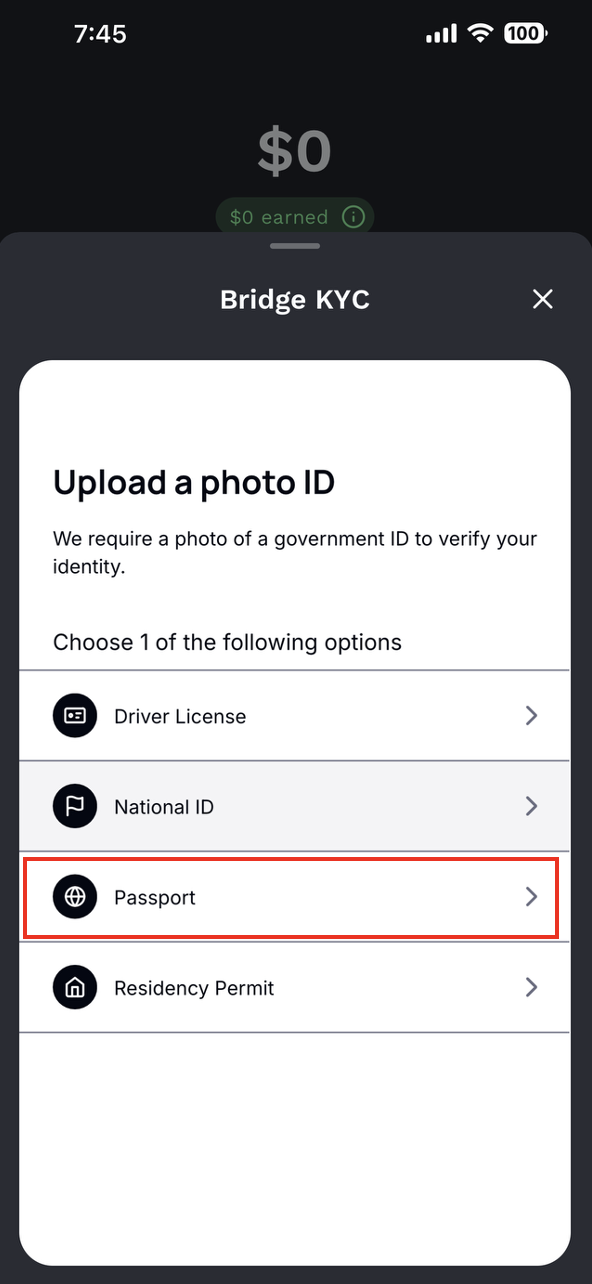
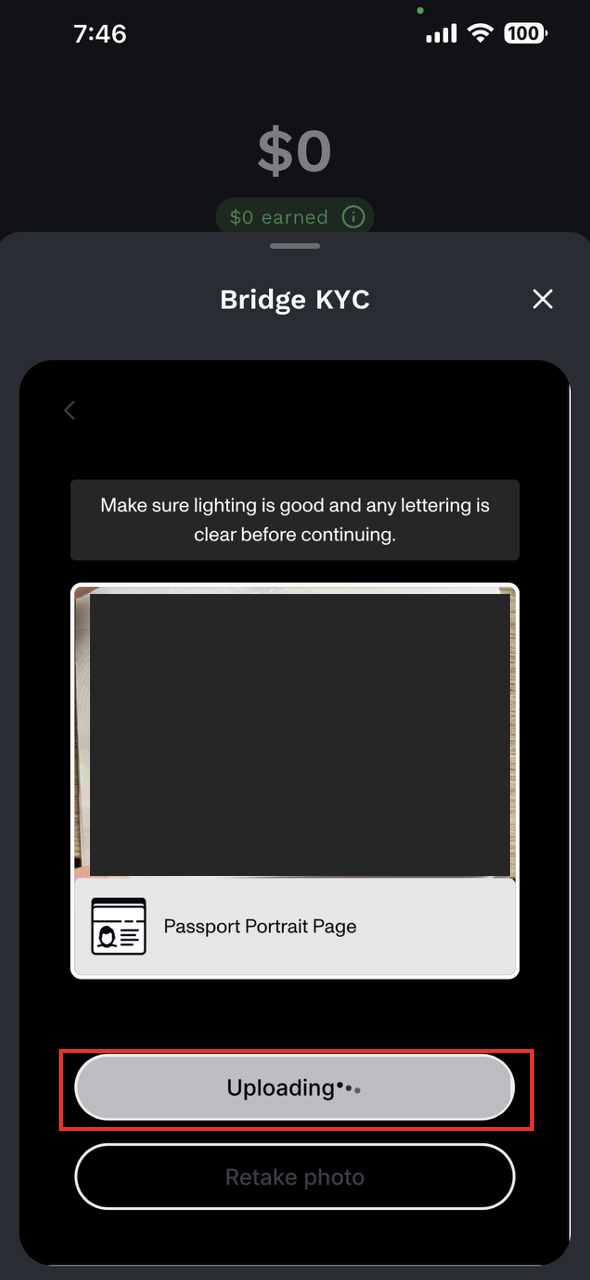
After selecting the document type, tap Continue and follow the system instructions to take or upload photos of your document.
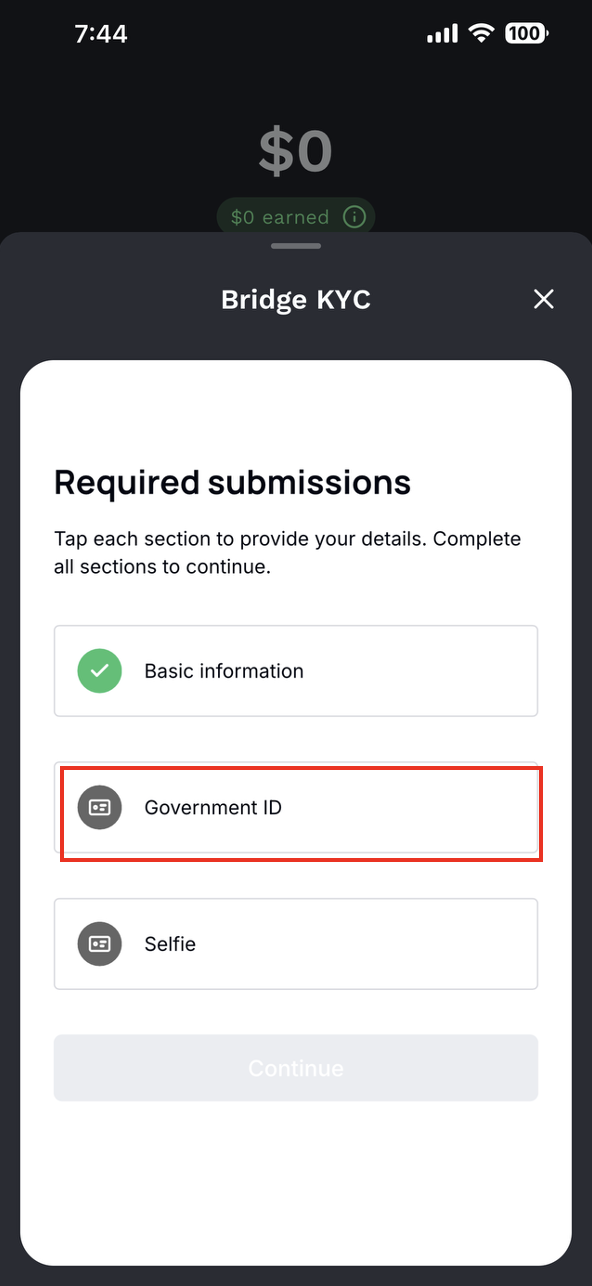
Note: The identity document must be photographed live. Screenshots or photos taken from a computer screen are not accepted.
4. Proof of Address
Upload a proof of address document. The document must clearly show your residential address. Accepted examples include:
- A valid identity document showing your address, such as a driver license.
- Bank statements, utility bills, rental agreements, or similar documents issued within the last 6 months.
Tap Add file to upload the document, then tap Continue.
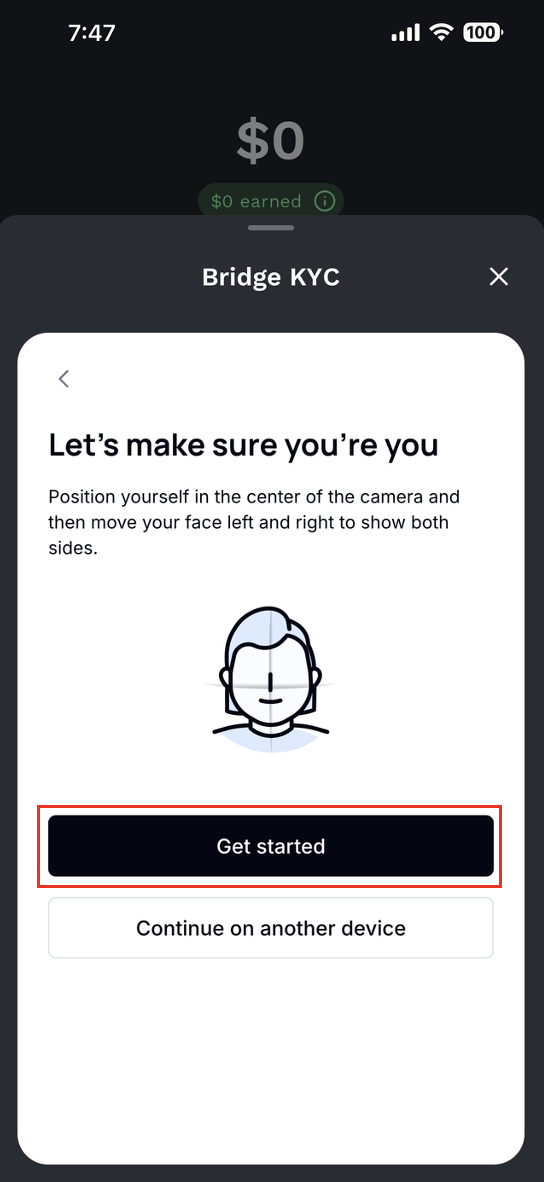
5. Facial Verification
Next, complete facial verification. Please make sure your front camera and microphone can clearly record your face and voice.
Tap Video is acceptable, then follow the system instructions and read out the numbers displayed on your forehead in order.
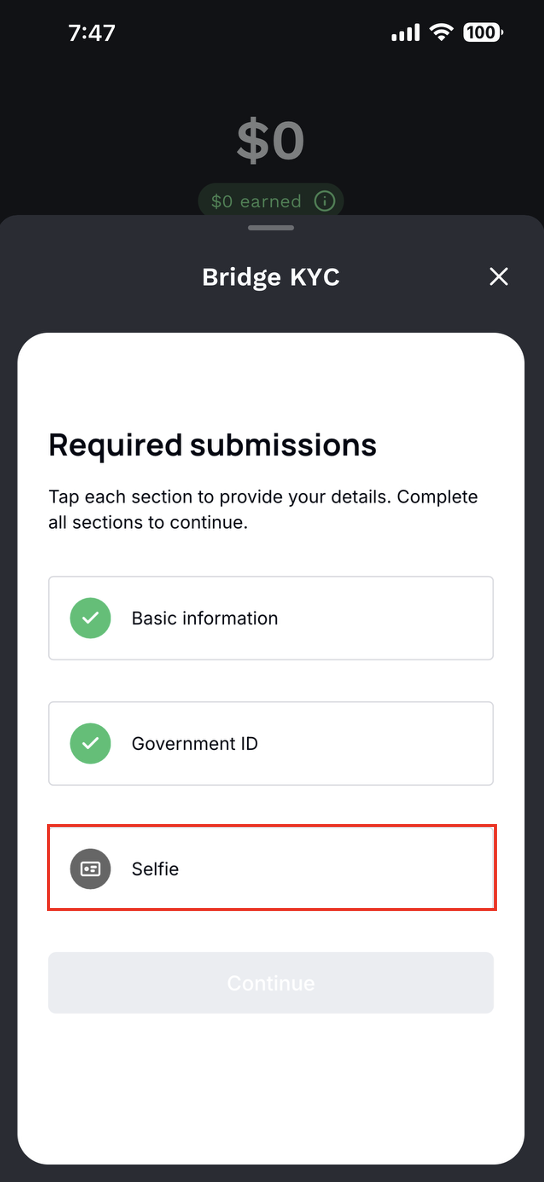
Note: After recording begins, please read the numbers shown on your forehead clearly in standard English. Both your voice and mouth movements must be clearly recorded.
6. Email Verification
Next, complete email verification. Enter your email address and tap Continue. Then check your inbox for the verification code and enter it.
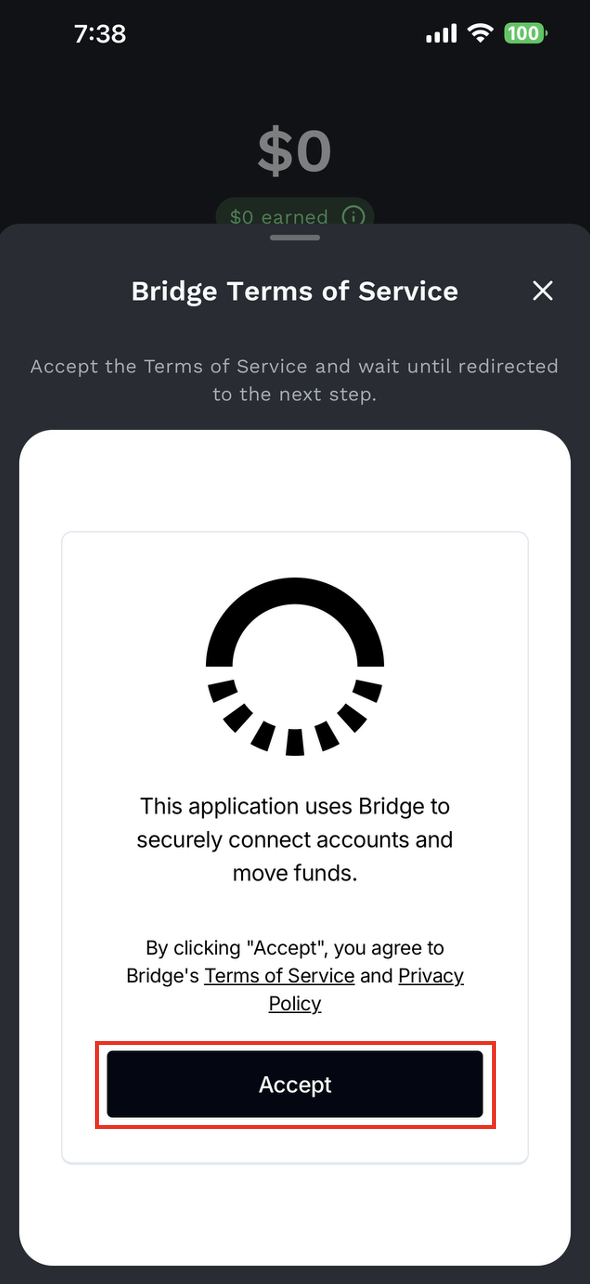
Step 3: Noah Verification
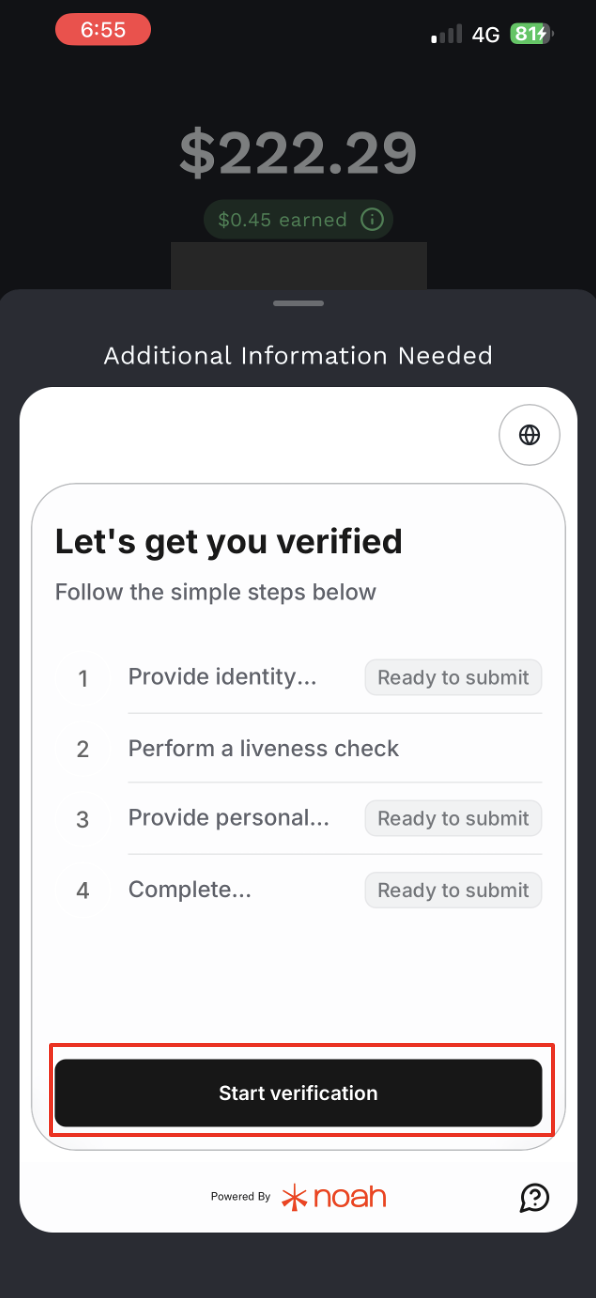
After completing Sumsub verification, you will see Noah's Additional Information Needed page. This process includes:
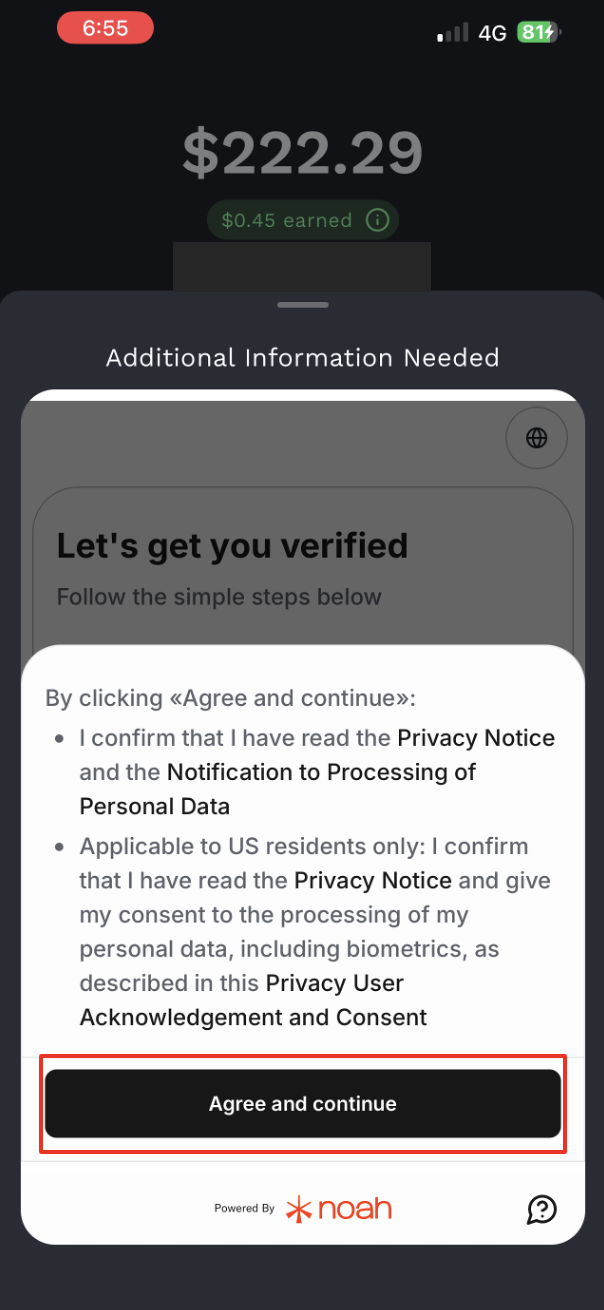
- Agreeing to verification terms
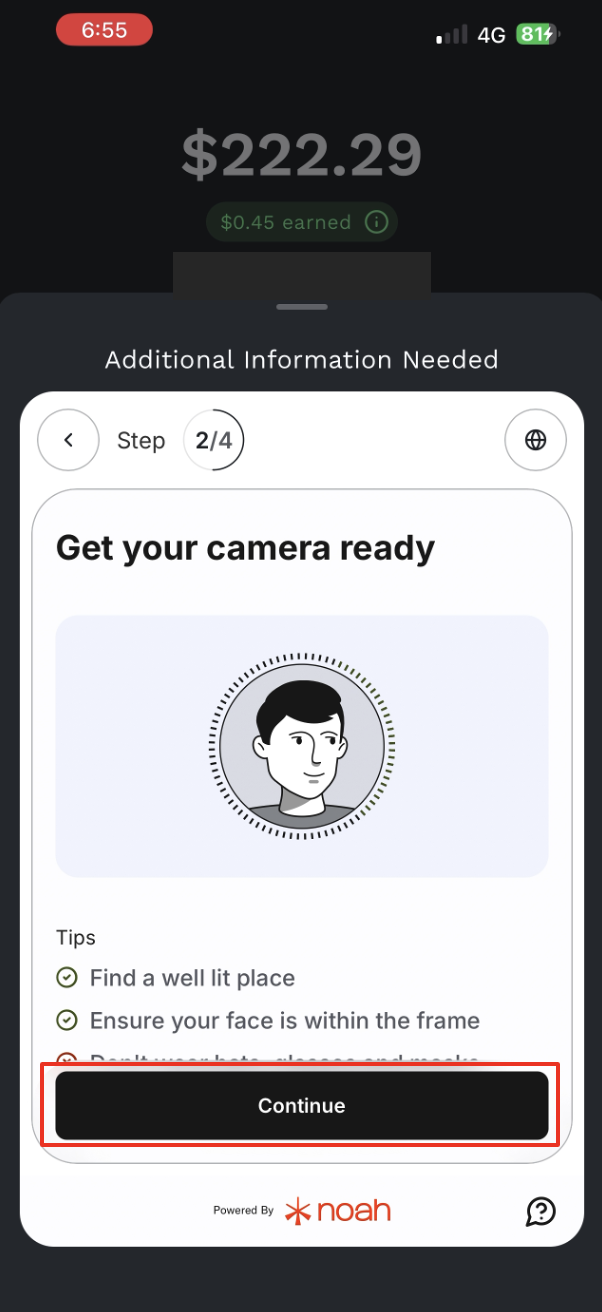
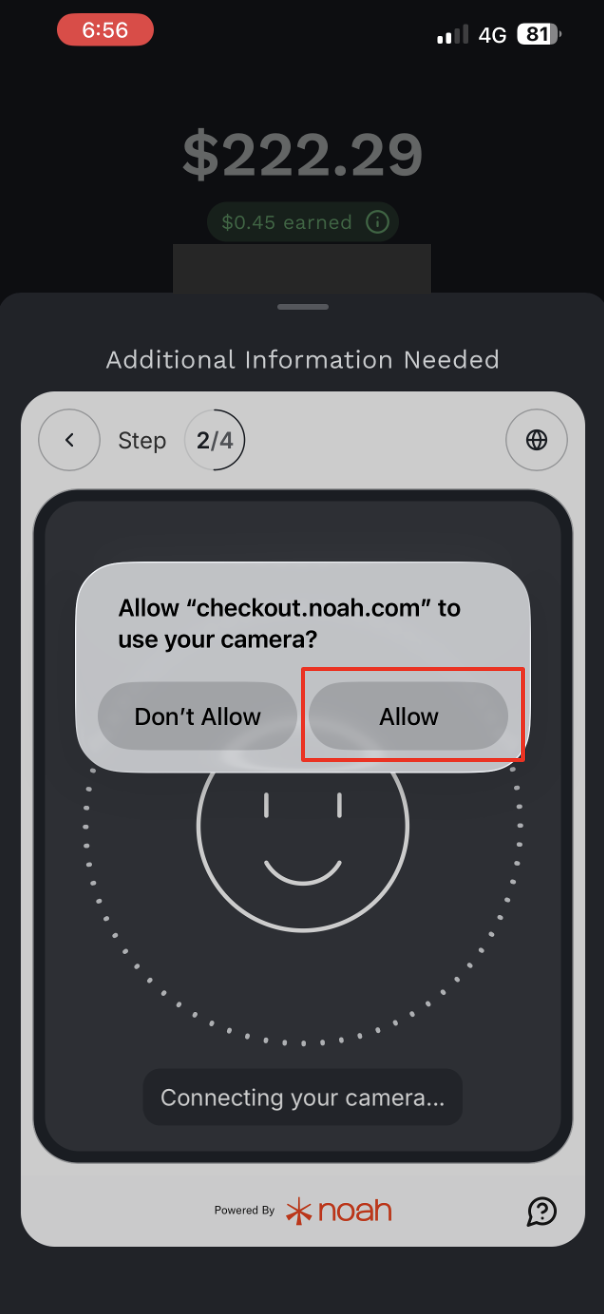
- Facial verification
- Filling in basic information
- Answering account questions
1. Agree to Verification Terms
Review and agree to the required verification terms.
2. Facial Verification
Tap Continue to agree to facial verification. Follow the system instructions to move your head within the circle and make sure your front camera clearly records your face.
3. Double Check Information Is Correct
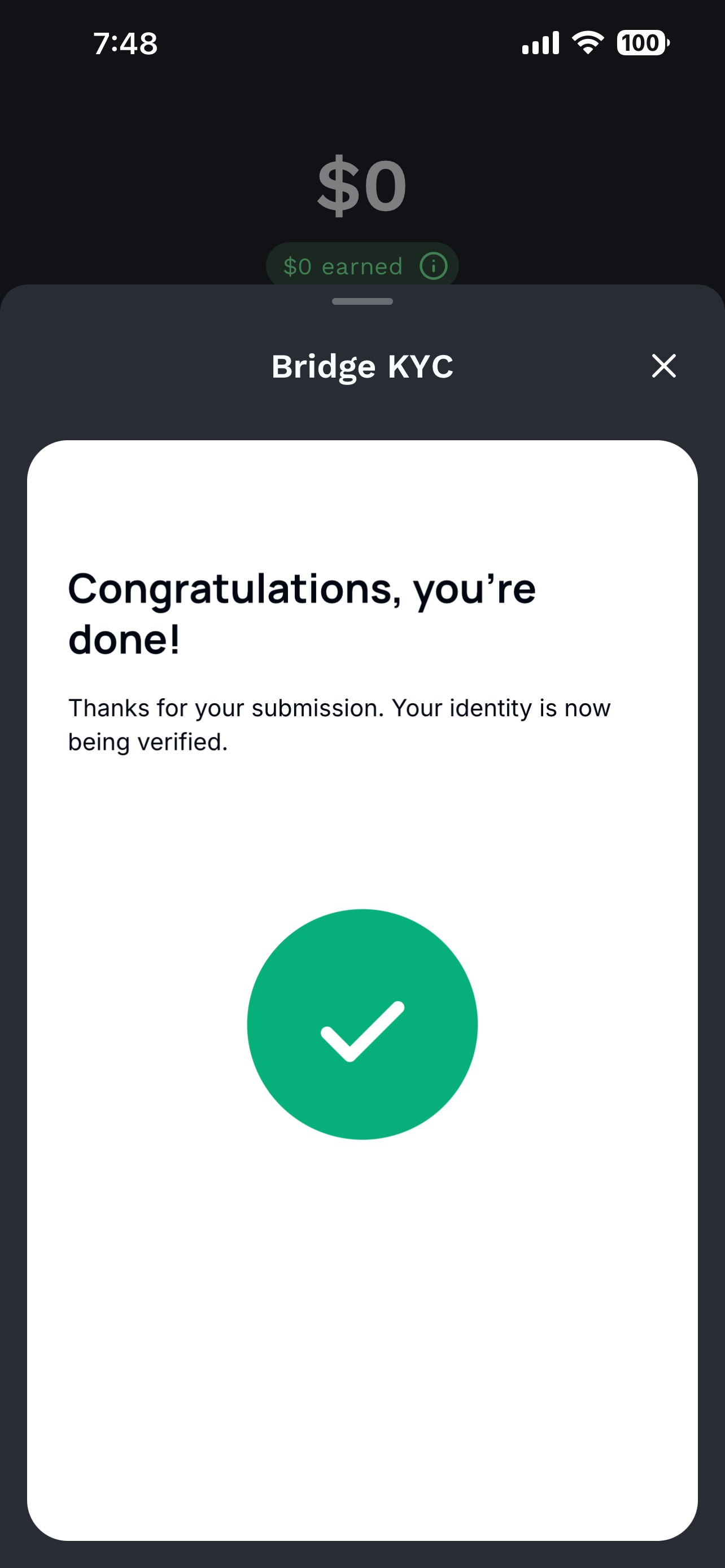
The system will ask you to review your basic customer information again. After confirming that everything is correct, tap Continue and wait for the verification process to complete.
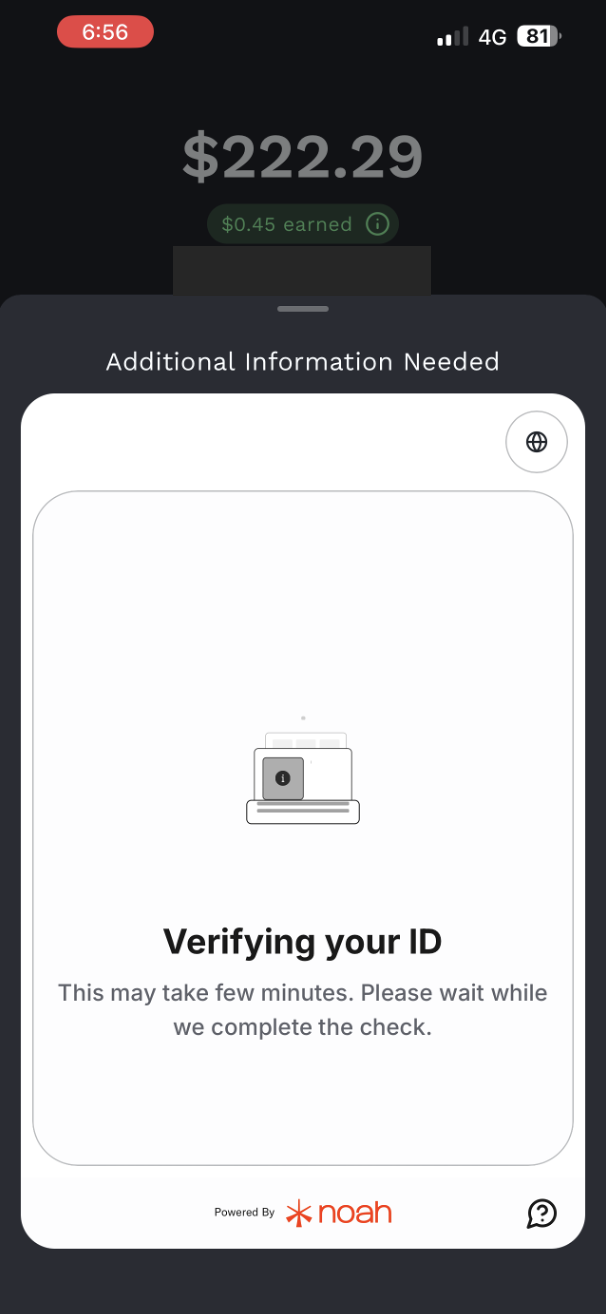
Step 4: Confirm Banking Feature Activation
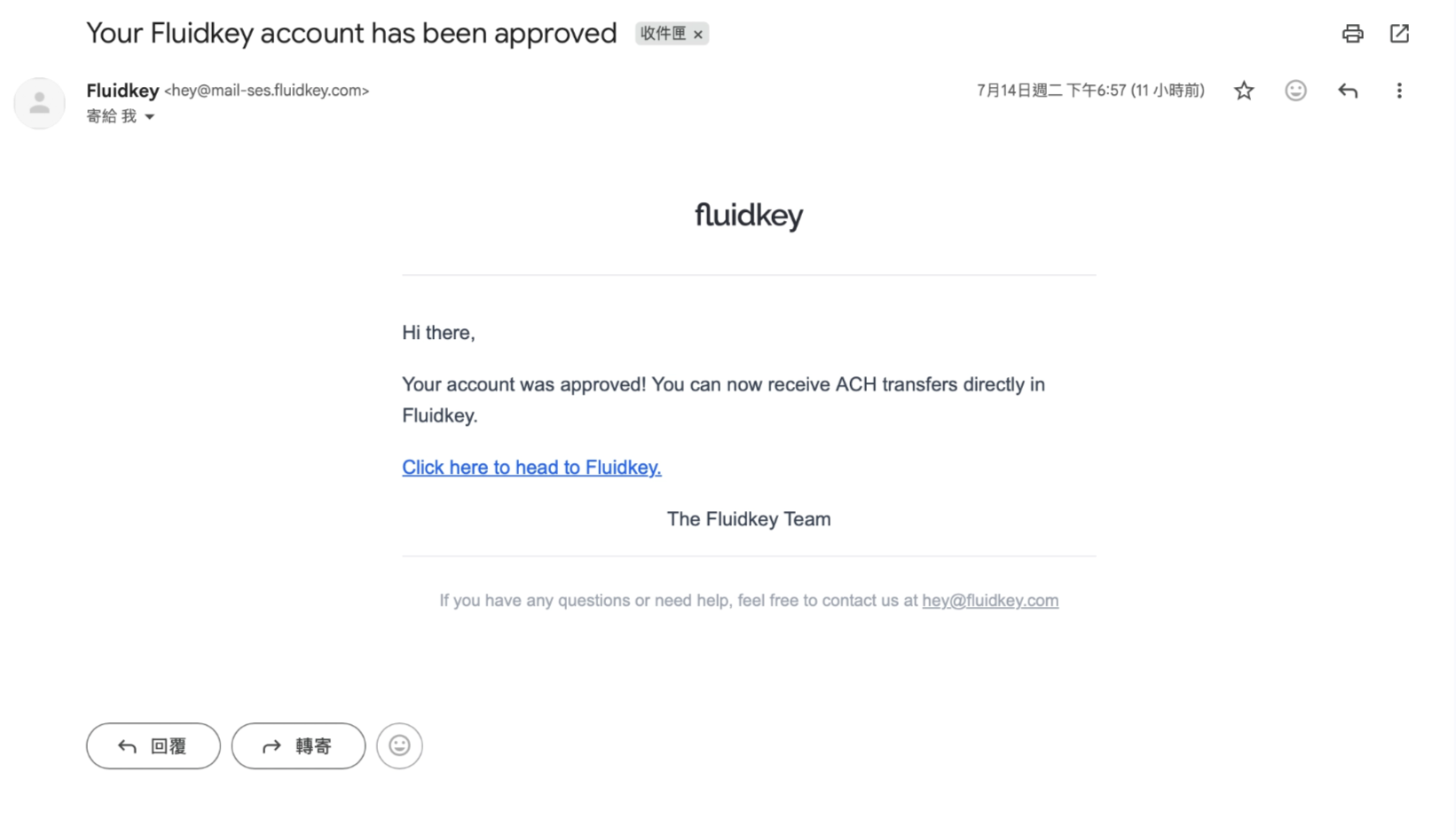
After all verification steps are successfully completed, you will receive a confirmation email from Fluidkey. This means your banking feature has been successfully activated.
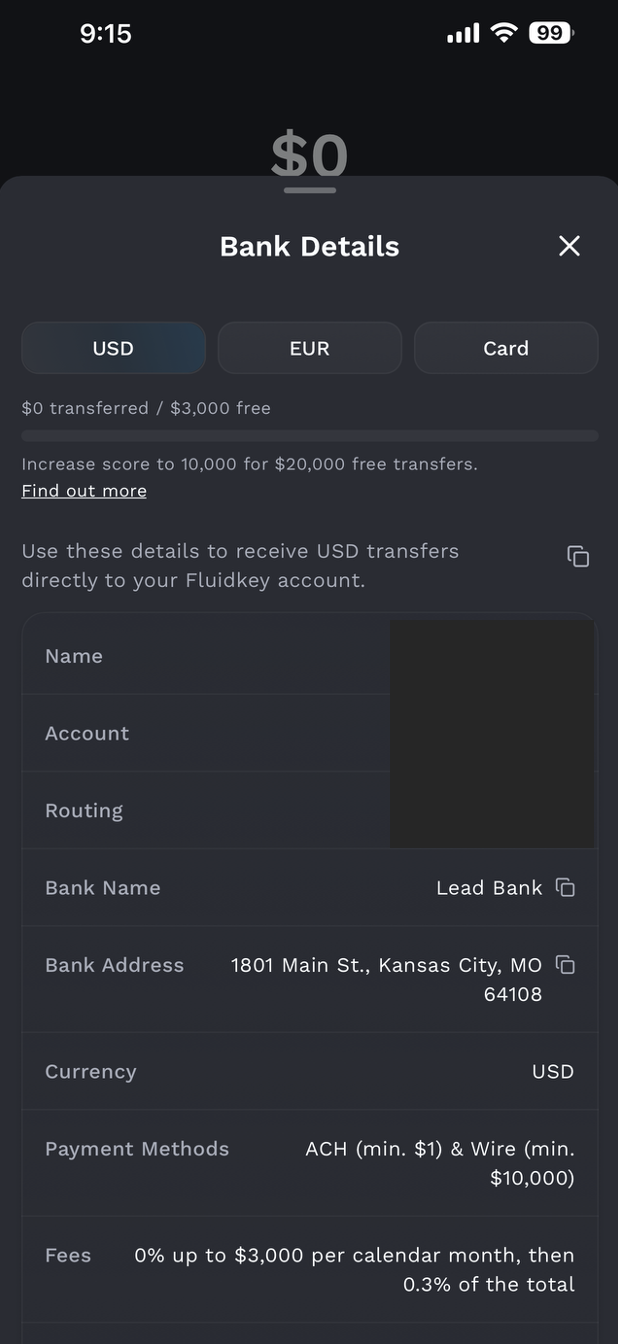
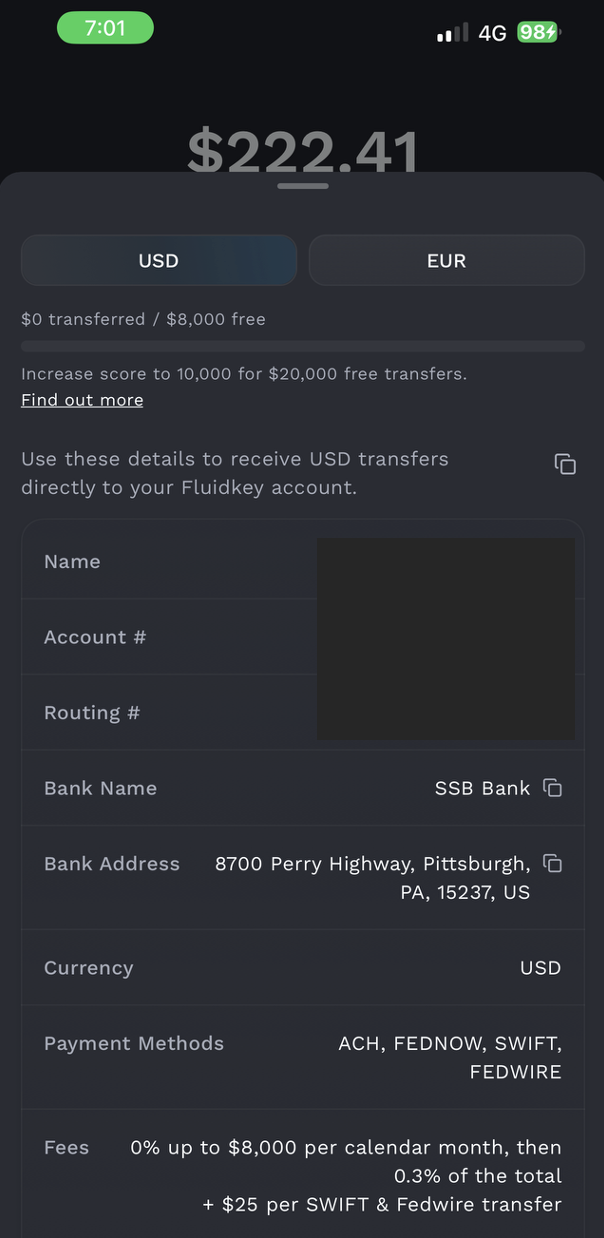
Once activated, you can tap Bank in Fluidkey to view your dedicated bank account information.
Notes
- Your name must match your identity document and must be entered in English. Using a passport is recommended to avoid name recognition errors.
- Your address must match your proof of address document.
- Your document must be fully visible, clear, and readable. Avoid glare or blur.
- Do not use screenshots as identity documents. They may be rejected by the system.
- If your documents are rejected, follow the on-screen instructions to re-upload or provide additional documents.
- If your verification remains under review for a long time, you can contact customer support through the support option on the page.
About Sumsub and Noah
Sumsub
Sumsub is a third-party service provider that Fluidkey may use for identity verification and compliance review. It mainly helps complete KYC steps such as personal information verification, identity document review, proof of address review, and selfie verification.
When the system asks you to complete Sumsub verification, please follow the page instructions to upload valid documents, confirm your personal information, and complete facial or selfie matching. These steps are usually required to comply with financial service regulations and to ensure that the account user's identity is real and that the submitted information is consistent.
Noah
Noah is a third-party service provider that Fluidkey partners with for banking services, deposits and withdrawals, or buy/sell features. It is mainly used for additional verification, terms agreement, liveness checks, and certain account connection or transaction-related confirmations.
If a Noah verification page appears during use, it means the system needs to further confirm your identity or authorization status. Please follow the on-screen instructions to confirm your information, agree to the required terms, or complete facial recognition. After completion, you will usually be redirected back to Fluidkey to continue the next steps.